Samsung Refrigerator Water Filter Bypass Plug
Samsung’s main bypass plug is the HAF-DIN/EXP, which keeps water and ice flowing on models that won’t dispense with an empty filter housing. This page covers whether your Samsung fridge actually needs one, the right part, and how to install it.
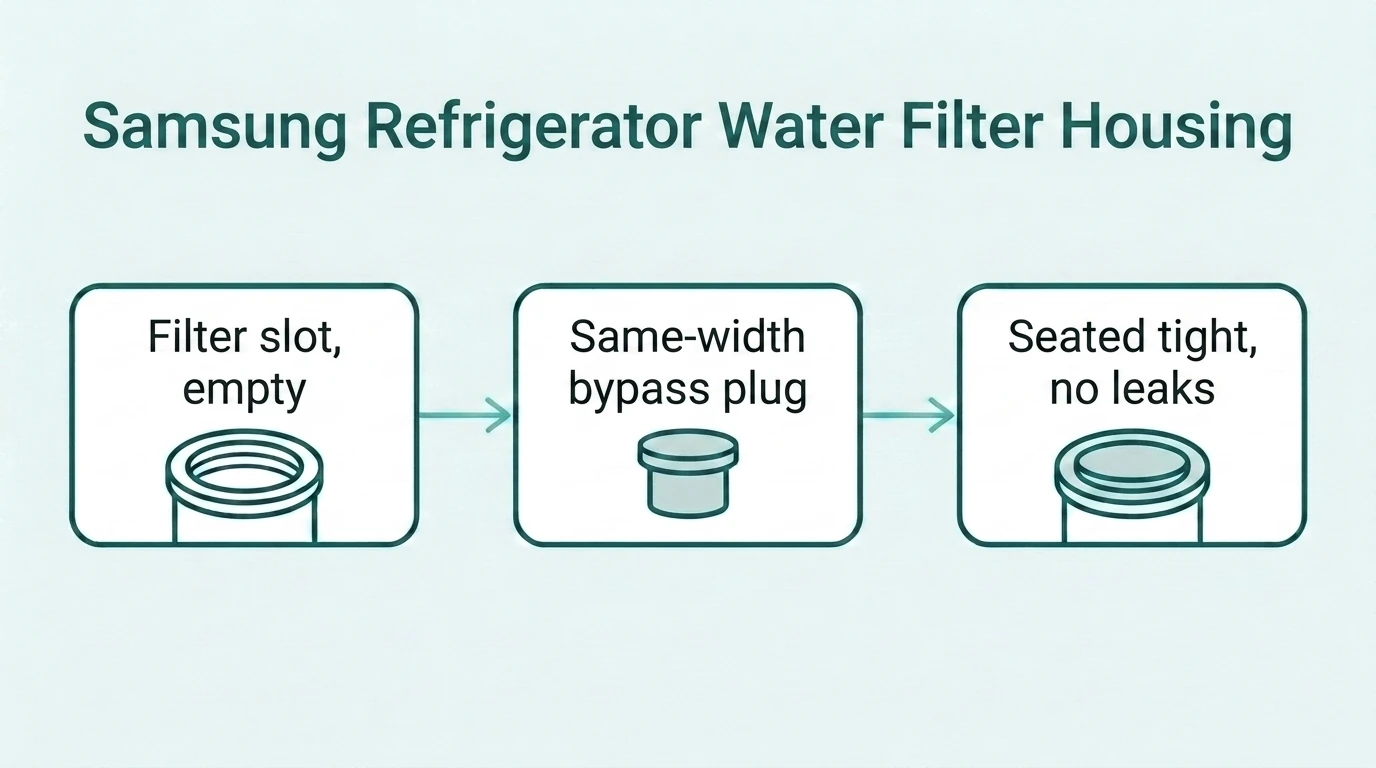
Do You Need a Bypass Plug for Your Samsung Fridge?
Test this before buying anything: remove your current filter, then press the water dispenser. Some Samsung models automatically engage an internal valve and dispense normally with no plug installed; others block water flow entirely. See our full bypass plug decision guide for the complete framework. If you’re actually here to replace your filter instead, see our Samsung refrigerator water filter guide.
How to Identify Your Filter Housing
Check the part number on your current filter — common Samsung filters like HAF-CIN, DA29-00020B, and HAF-DIN all use a related housing family, but confirm against your specific model before ordering. The compatibility sticker inside the filter compartment door is a reliable fallback if you don’t have your old filter to check.
Which Samsung Bypass Plug Do You Need?
- HAF-DIN/EXP — Samsung’s main current bypass plug, commonly replacing HAF-CIN/DA29-00020B or HAF-DIN filter types. Check current price at Samsung.com or Sargent Appliance.
- DA67-02270A — a support cap that holds the bypass cap in place on some models; if HAF-DIN/EXP alone doesn’t seat correctly on your fridge, check whether your model also needs this part. Check current price at Samsung Parts USA.
- Open the filter compartment door inside the refrigerator.
- Turn the existing filter or cap counterclockwise and remove it.
- Insert the bypass plug into the housing, making sure it’s fully seated.
- Lock it into place per your model’s design, then close the compartment cover.
- Run two to three gallons of water through the dispenser before drinking, to clear trapped air from the line.
Match your current filter’s part number first — the wrong one won’t seat correctly. These are direct links to real listings, not affiliate links; we don’t currently have a paid partnership with any of these retailers.
Rather keep filtering? If your Samsung takes the DA29-00020B (HAF-CIN) filter that the HAF-DIN/EXP plug replaces, the Swift Green SGF-DA20B is a compatible cartridge (view SGF-DA20B). For French-door models that use the DA97-17376B (HAF-QIN), see the SGF-HAFQIN (view SGF-HAFQIN). These two are affiliate links, so we may earn a commission; the plug links above are not.
✓ Verified compatible
Source: Samsung’s official HAF-DIN/EXP product page
Last checked: October 14, 2026
Match type: Genuine Samsung OEM part number — DA67-02270A (HAF-DIN/EXP)
How to Install a Samsung Bypass Plug
Frequently Asked Questions
Do all Samsung refrigerators need a bypass plug?
No. Some models auto-bypass with no plug once the filter is removed. Test yours by removing the filter and pressing the dispenser before buying anything.
What’s the difference between HAF-DIN/EXP and DA67-02270A?
HAF-DIN/EXP is the main bypass plug. DA67-02270A is a support cap used on some models to hold it in place. Check your model’s parts diagram if the main plug alone doesn’t seat correctly.
My Samsung fridge shows a filter warning even with the bypass plug installed — is that normal?
Some Samsung models track filter status electronically and may continue showing a reminder even when a bypass plug is correctly installed. This is usually cosmetic and doesn’t affect water flow, but confirm your specific model’s behavior if you’re unsure.
Will a bypass plug damage my Samsung fridge?
No. It’s a normal accessory designed for exactly this purpose, whether you have your own whole-house filtration or your model requires the housing to be occupied to keep water flowing.
Can I use a Samsung bypass plug on a different brand’s fridge?
No. Samsung’s housing shape and locking mechanism are brand-specific — a GE, Whirlpool, or LG plug won’t seat correctly, and neither will a Samsung plug in one of theirs.