GE RPWFE Refrigerator Water Filter Compatibility Finder
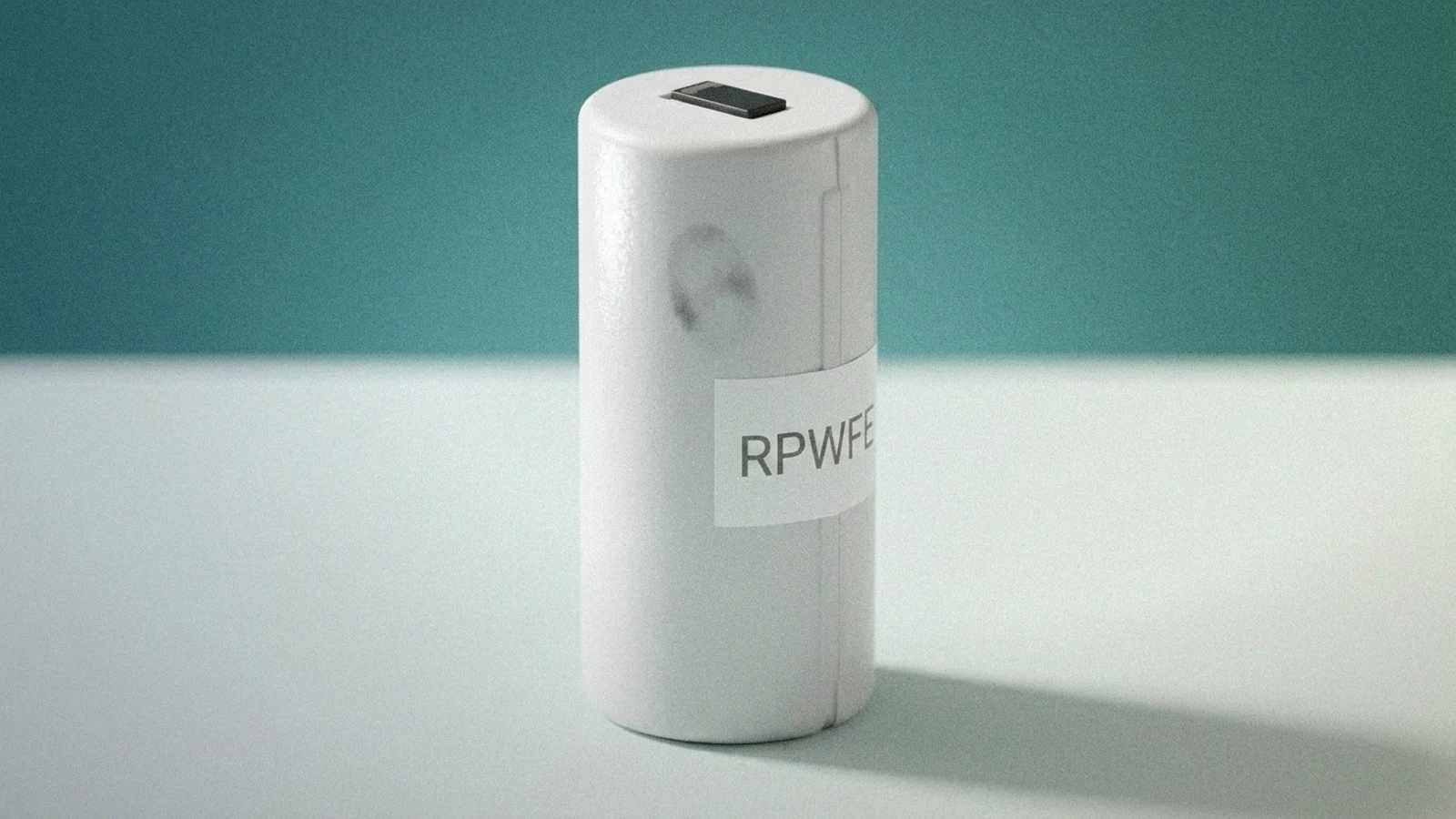
Buying the wrong GE water filter wastes money and, on RFID-equipped models, can trigger a persistent “wrong filter” error that won’t clear. The RPWFE is GE’s current RFID-chip filter, and some GE, GE Profile, Café, and Monogram refrigerators require it specifically rather than accepting the older non-chip RPWF. FilterFitNow verifies your match against manufacturer part-fitment data and independent retailer cross-references, not just similar-looking part numbers.
Find Your RPWFE Filter Match
Use the Refrigerator Water Filter Compatibility Finder → and enter RPWFE or your refrigerator’s model number to confirm your exact match.
RPWFE Model Reference
This is the detail most retailers skip: not every GE model that fits an RPWFE is required to use one. Some models will only work with the RFID-chip RPWFE; others can use either the RPWFE or the older non-chip RPWF interchangeably.
| Requirement | Series |
|---|---|
| RPWFE required (RFID mandatory) | French-door: GFE26/28, PFE28, GFD28, DFE28, GYE22, PYE22 series. Bottom-freezer: GNE29, PWE23 series. |
| RPWFE or RPWF both work | French-door: GFE24/26 (older), PFE24/26 (older), CFE26/28 series. Bottom-freezer: GBE21/23, PBE21/23, CBE21/23 series. Side-by-side: GSE23/25/27, PSE23/25/27, CSE23/25 series. |
Door-style groupings are a secondary reference, cross-checked against GE’s own product specification pages (re-verified 2026-09-10, after GYE22 and PYE22 were found mislabeled as side-by-side — both are actually French-door models and this table has been corrected). “P” prefix = GE Profile, “C” prefix = Café. The determining factor for your unit is always whether it requires the RFID chip, not door style — confirm using the finder tool above with your exact model number before ordering, since RFID-mandatory models will reject a non-chip filter even if the cartridge physically fits.
✓ Verified compatible
Source: GE’s official replacement-filter page
Last checked: October 14, 2026
Match type: Exact manufacturer part number — RPWFE (RFID-mandatory models) or RPWF (where GE permits either), per the table above
Where to Buy a Genuine RPWFE
RPWFE is the one case on this site where we will not point you at an aftermarket equivalent. The fridge reads an RFID chip to confirm the cartridge is genuine, so a filter that fits perfectly but has no real chip locks the dispenser; GE says the display may read “Leak Detected” on RPWFE models. Aftermarket cross-references such as Swift Green’s SGF-GWF cover the older non-chip RPWF only, not RPWFE, and fitting one on an RPWFE system will not clear the error.
Buy the genuine part: GE RPWFE refrigerator water filter at GE Appliances Parts. GE also sells it directly through its own parts store, and either route gives you a cartridge with a working chip.
This is a direct link to a real listing, not an affiliate link; we don’t currently have a paid partnership with this retailer. If your fridge takes the non-chip RPWF instead, aftermarket options are fine and usually cheaper — check which one your model requires in the table above first.
How We Verify Compatibility
Every compatibility match on this page is checked against three independent sources before we publish it:
- The manufacturer’s own documentation and part-fitment specs
- Compatibility lists published by filter makers and retailers
- User-reported data, weighed against both of the above
If those sources disagree, we mark the match unverified instead of guessing. Read our full verification methodology →
How Do You Replace a GE RPWFE Filter?
RPWFE cartridges install two different ways depending on which filter holder your refrigerator has — GE documents both a blue filter holder (twist-style) and a grey filter holder (push-style), and the removal and installation steps are different for each. Check your holder color first, then follow the matching steps below — no manual reset is needed either way since the RFID chip handles that automatically. (GE’s RPWFE holder and replacement guidance)
Blue Filter Holder (Twist-Style)
Removal:
- Open the filter door and pull the bottom of the cartridge to disengage it from the clips.
- Swing the cartridge outward until you hear it click into the release position.
- Turn the cartridge one-quarter turn counterclockwise, then pull it straight out.
Installation:
- Align the new cartridge with the word “FRONT” facing the top of the unit.
- Push the cartridge toward the rear of the holder.
- Twist the cartridge clockwise one-quarter turn, then swing it inward gently until seated. Confirm the red indicator is no longer visible.
Grey Filter Holder (Push-Style)
Removal:
- Open the filter door and pull the bottom of the cartridge to let it swing outward.
- Once it stops swinging, gently pull the cartridge to unseat it from the holder — no twisting needed.
Installation:
- Center the new cartridge in the holder with the word “FRONT” facing outward.
- Push the cartridge inward until it’s fully seated, keeping “FRONT” centered.
- Swing the cartridge inward gently and confirm the red indicator is no longer visible.
Not sure which holder you have? Open the filter door and check directly — blue and grey holders are visually distinct, and whichever one you see tells you which steps above apply. After installing either style, check the code printed on the old filter to confirm your replacement matched, then run water through the dispenser for 2 to 3 minutes to clear air and carbon fines before drinking.
Dispenser showing ERR after a filter change? See the real fix for GE ERR after a filter swap →
Frequently Asked Questions
Can I use a non-RFID filter (like RPWF) in a model that requires RPWFE?
No. RFID-mandatory models will detect the missing chip and continue showing a “replace filter” or error state even with a correctly-sized non-chip filter installed. Check the table above before ordering.
What’s the difference between RPWF and RPWFE?
RPWFE adds an RFID chip that some newer GE models require for the filter to be recognized. RPWF is the older, non-chip version. On models that accept both, they’re functionally interchangeable.
How often should I replace my RPWFE filter?
Every 6 months or 300 gallons, whichever comes first.
Can I use a compatible filter instead of a genuine GE RPWFE?
Compatible third-party filters exist, but fit and filtration performance vary, and RFID-mandatory models specifically will not accept a non-chip compatible filter. We only confirm a match when it passes our verification process — see above.
Other Filter Tools
Also need a filter match for something else?
Affiliate Disclosure
Some links on this page may earn us a commission. This never affects which filter we recommend — see our full affiliate disclosure.
Looking for a different filter?
Fridge Filters · HVAC Filters · Vacuum Filters · Water Filtration